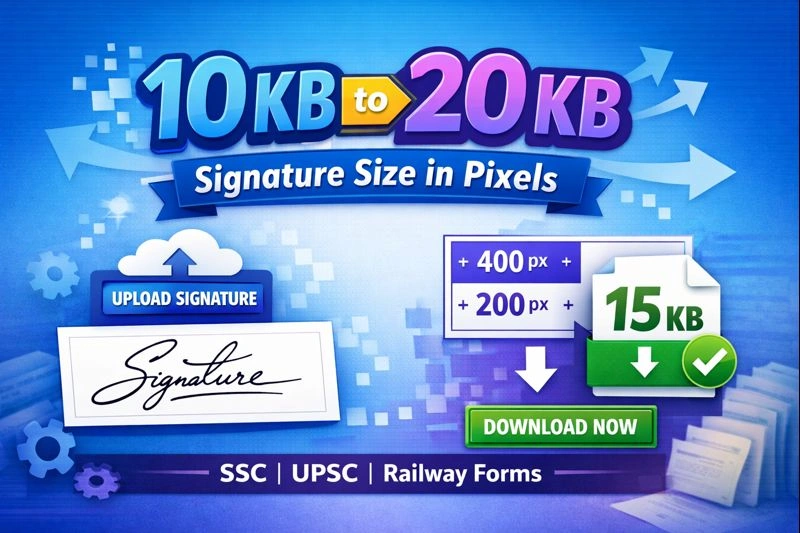
10 KB to 20 KB Signature Size in Pixels – Complete Guide
When filling out government application forms such as SSC, UPSC, Railway, Banking, or State PSC, one of the most common problems candidates face is uploading a signature image within the strict 10 KB to 20 KB size limit. Even a small mismatch in file size or dimensions can lead to form rejection.
To solve this issue, the 10 KB to 20 KB Signature Size in Pixels tool provides a fast, accurate, and form-friendly way to resize and compress signature images online without losing clarity.
Why Government Forms Require 10 KB to 20 KB Signature Size
Recommended Signature Size in Pixels for 10–20 KB
While file size depends on compression quality, the following pixel dimensions work best for most government forms:
| Purpose | Recommended Pixels |
|---|
| SSC / UPSC | 400 × 200 pixels |
| Railway Forms | 350 × 150 pixels |
| Banking Exams | 300 × 150 pixels |
Your Signature Resizer tool smartly adjusts pixel dimensions and JPEG quality together to consistently land within the 10 KB–20 KB sweet spot.
Features of the Signature Resizer (10 KB – 20 KB)
This tool is specially designed for government exam requirements and offers several advantages:
✅ Exact 10 KB to 20 KB output
✅ Adjustable width and height in pixels
✅ Automatic white background
✅ No watermark, no signup
✅ 100% browser-based (privacy friendly)
✅ Instant download after resize
Unlike generic image compressors, this tool focuses only on signature compliance, not just size reduction.
How to Resize Signature to 10–20 KB Online
Using the tool is simple and beginner-friendly:
Upload your signature image (JPG, JPEG, or PNG)
Set the required width and height in pixels
Click “Resize to 10–20 KB”
Preview the resized signature
Download the final image instantly
The tool automatically fine-tunes compression quality to ensure your signature stays within the required size range.
Common Mistakes to Avoid While Uploading Signatures
❌ Dark or transparent background
❌ Over-compressed blurry signatures
❌ Wrong pixel dimensions
❌ PNG format where JPG is required
❌ File size below 10 KB or above 20 KB
Using a dedicated resizer eliminates these errors completely.
Related Government Image Resizing Tools
If you’re preparing documents for government forms, you may also need:
For official image specification guidelines, you can also refer to trusted government portals such as the Staff Selection Commission (SSC) website:
👉 https://ssc.nic.in
Who Should Use the 10 KB to 20 KB Signature Tool?
This tool is ideal for:
SSC, UPSC, and Railway applicants
Banking and insurance exam candidates
Students filling online admission forms
Anyone facing signature upload errors due to size limits
Final Words
The 10 KB to 20 KB signature size in pixels requirement can be frustrating, especially during last-minute form submissions. This specialized Signature Resizer tool removes all guesswork by delivering a perfectly sized, government-compliant signature image in seconds.
No technical skills required. No repeated uploads. Just resize, download, and submit with confidence.
✨ Try the tool once, and you’ll never struggle with signature size errors again.