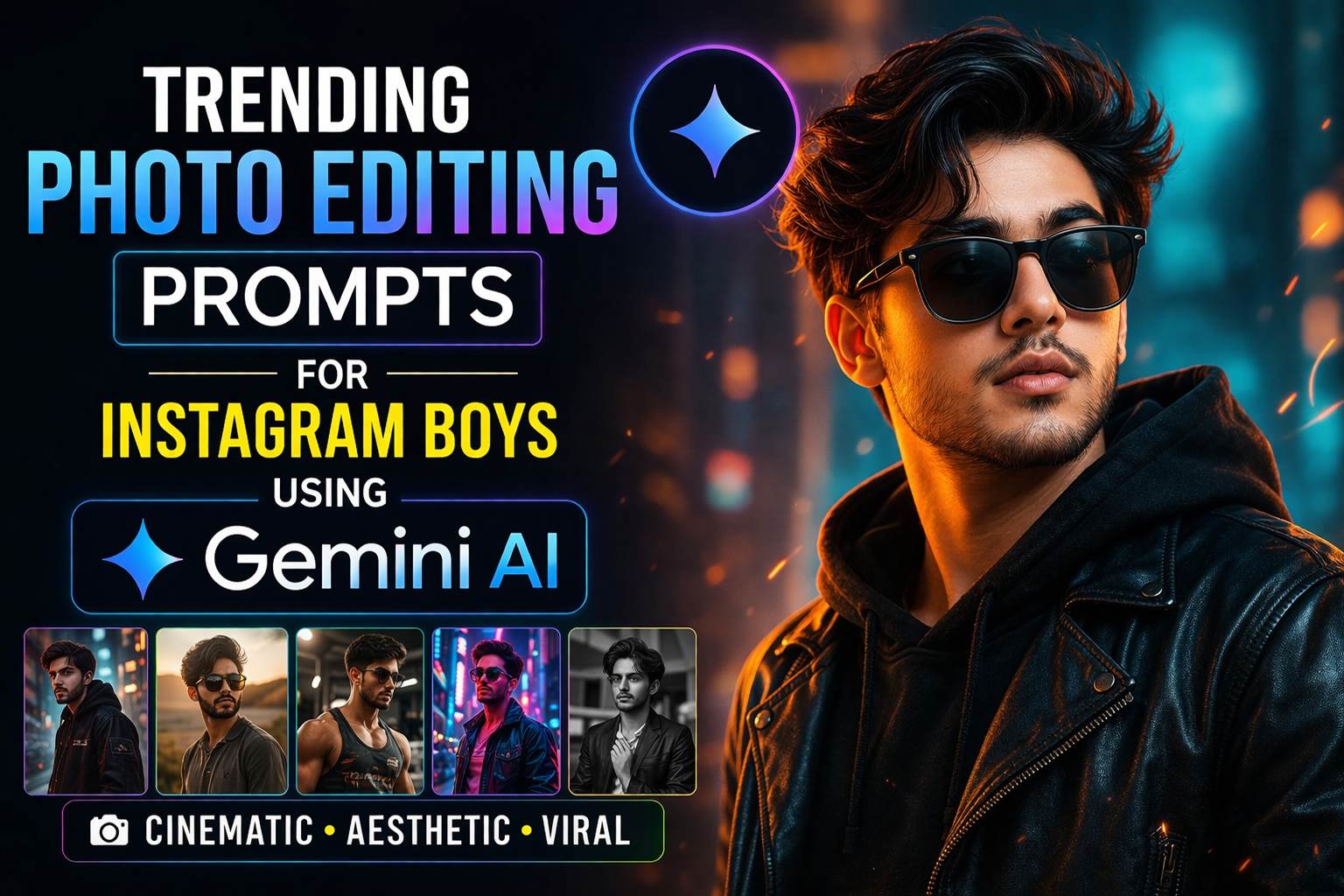
20 Gemini AI Photo Editing Prompts for Instagram Viral Reels (2026 Guide)
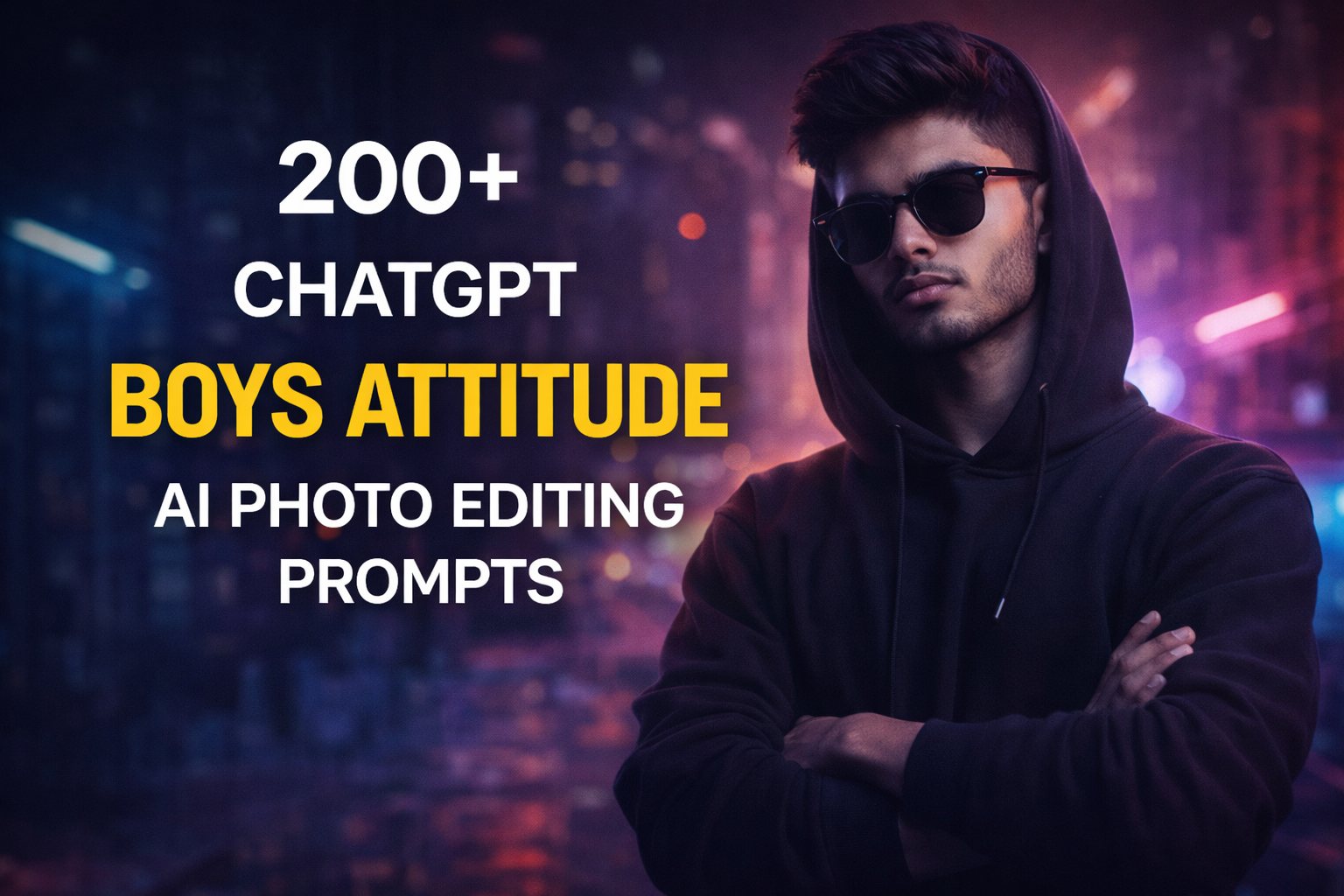
Instagram Reels move fast. If your visuals do not stop the scroll in the first two seconds, the game is over. This is where 20 Gemini AI Photo Editing Prompts for Instagram Viral Reels can completely change your content quality. With the right prompt, a simple photo can turn into a viral-ready reel frame that looks cinematic, trendy, and high-end.
In this blog post, you will find 20 powerful Gemini AI photo editing prompts designed specifically for Instagram Reels. These prompts focus on lighting, mood, aesthetics, and viral styles that actually work on Instagram.
Why Use Gemini AI for Instagram Photo Editing
Gemini AI helps creators edit photos using natural language prompts. You do not need advanced Photoshop skills. Just describe the look you want, and the AI handles the heavy lifting.
Benefits for Reels creators
- Saves editing time
- Creates consistent visual style
- Helps small creators compete with big pages
- Perfect for fashion, lifestyle, travel, fitness, and personal branding
How to Use These Gemini AI Prompts
- Upload your photo to Gemini AI
- Copy one prompt from the list below
- Paste it and tweak words like color, outfit, background, or mood
- Export the image and use it in your Reel cover or transitions
Tip: Always export in high resolution and keep the subject centered for better Reel cropping.
20 Gemini AI Photo Editing Prompts for Viral Instagram Reels
1. Cinematic Glow Look
“Enhance this photo with cinematic lighting, soft glow on the face, dramatic shadows, warm tones, shallow depth of field, and professional movie-style color grading.”
2. Viral Moody Aesthetic
“Apply a dark moody aesthetic with low exposure, soft highlights, deep shadows, muted colors, and an Instagram viral reel look.”
3. Clean Influencer Style
“Edit this photo in a clean influencer style with natural skin tones, bright background, soft contrast, and minimal but premium Instagram aesthetic.”
4. Golden Hour Magic
“Transform this image into a golden hour scene with warm sunlight, soft flares, smooth skin texture, and dreamy cinematic vibes.”
5. High Fashion Editorial
“Convert this photo into a luxury fashion editorial with sharp details, dramatic lighting, neutral background, and magazine-quality color grading.”
6. Travel Reel Look
“Enhance this photo with vibrant travel colors, clear sky, boosted clarity, cinematic contrast, and Instagram travel reel style.”
7. Soft Pastel Aesthetic
“Apply a soft pastel color palette with gentle highlights, smooth skin, airy background, and calming Instagram reel aesthetic.”
8. Dark Luxury Vibe
“Create a dark luxury look with rich blacks, gold highlights, cinematic lighting, and premium Instagram reel color grading.”
9. Fitness Motivation Style
“Edit this image with high clarity, strong contrast, dramatic gym lighting, sweat highlights, and motivational fitness reel vibe.”
10. Street Photography Reel
“Turn this photo into a street photography style with gritty texture, natural shadows, urban tones, and cinematic reel aesthetics.”
11. Glow Up Transformation
“Enhance facial features naturally, improve skin texture, add soft lighting, clean background, and create a visible glow-up effect.”
12. Black and White Cinematic
“Convert this photo into cinematic black and white with high contrast, film grain, dramatic lighting, and reel-ready framing.”
13. Minimal Aesthetic Look
“Edit with minimal colors, clean background, soft shadows, neutral tones, and modern Instagram minimalist aesthetic.”
14. Vintage Film Style
“Apply a vintage film look with faded colors, light grain, warm tones, and retro cinematic vibe for Instagram reels.”
15. Viral Portrait Look
“Enhance this portrait with sharp eyes, soft skin, balanced lighting, professional retouching, and viral Instagram reel quality.”
16. Neon Cyber Aesthetic
“Add neon lights, cyberpunk color tones, glowing highlights, dark background, and futuristic Instagram reel style.”
17. Lifestyle Blogger Edit
“Create a lifestyle blogger look with natural light, warm colors, soft contrast, and cozy Instagram reel aesthetic.”
18. Dramatic Sky Enhancement
“Enhance the sky with dramatic clouds, cinematic colors, realistic lighting, and eye-catching reel visuals.”
19. Luxury Instagram Cover
“Design this image as a luxury Instagram reel cover with clean composition, premium colors, soft glow, and high-end finish.”
20. Viral AI Art Touch
“Add subtle AI art enhancement while keeping realism, improving lighting, textures, and making the photo scroll-stopping.”
Tips to Make Your Reels Go Viral Using These Prompts
- Use these edited photos as Reel covers
- Match your edit style with trending audio
- Keep text minimal on the image
- Post consistently with a similar visual theme
- Test 2 to 3 styles and see what performs best
Final Thoughts
Gemini AI photo editing prompts can seriously upgrade your Instagram Reels without expensive tools or complex editing skills. The key is not just using AI, but using the right prompt that fits Instagram’s fast-scroll culture.
Save this list, experiment with different styles, and refine prompts based on your niche. One well-edited photo can be the reason your next Reel explodes with views.