Image to Text Converter
Extract text from images (JPG, PNG) instantly using OCR.
📂 Drag & Drop Image here or
Image to Text Converter Free – Online OCR Tool to Extract Text from Images
In today’s fast-paced digital world, converting images into editable text has become a daily necessity. Whether you’re a student, content creator, developer, or business professional, an image to text converter free tool can save hours of manual typing. With the power of OCR (Optical Character Recognition), extracting text from images is now instant, accurate, and accessible to everyone.
This article explores how a free image to text converter works, its benefits, real-world use cases, and why an online OCR tool is the smartest solution for text extraction.
What Is an Image to Text Converter?
An image to text converter is an online tool that extracts readable and editable text from image files such as JPG, PNG, or scanned photos. It uses OCR technology to detect characters, words, and sentences embedded inside images and converts them into plain text.
Unlike traditional typing or copy-paste methods, OCR tools automate the entire process, making text extraction fast and error-free.
More Useful Tool:
PAN Card Photo Resizer Online– Resize Photo to 213×213 Pixels
How an Image to Text Converter Free Tool Works
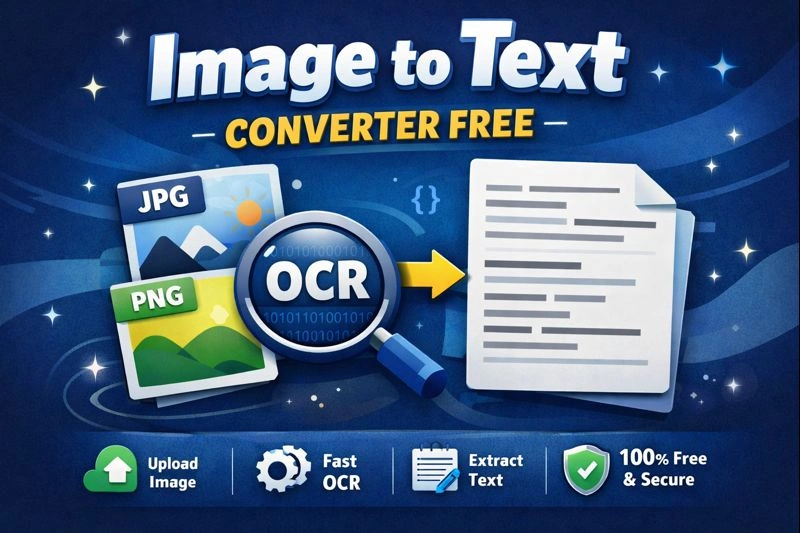
A modern image to text converter free tool works in just a few simple steps:
Upload or drag & drop an image
The OCR engine scans the image
Text is recognized using AI-powered algorithms
Extracted text is displayed instantly
Copy, edit, or reuse the text anywhere
The tool showcased here uses Tesseract OCR, a powerful open-source OCR engine known for its accuracy and performance.
Key Features of a Free Image to Text Converter
Here are the standout features that make this image to text OCR tool powerful and user-friendly:
✅ Free to Use
No registration, no subscriptions, and no hidden charges.
✅ Instant OCR Processing
Extract text in seconds with real-time progress updates.
✅ Supports Multiple Image Formats
Works seamlessly with JPG, PNG, and other common image types.
✅ Clean & Flat UI
Minimalist design ensures distraction-free usage on both desktop and mobile devices.
✅ SEO & Indexing Ready
Built with indexing support so search engines can easily crawl and rank the page.
✅ Secure & Private
All processing happens locally in the browser — your images are never uploaded to a server.
Why Use an Image to Text Converter Online?
Using an online image to text converter free offers multiple advantages over offline software:
No installation required
Works on any device or operating system
Faster updates and improved OCR accuracy
Lightweight and beginner-friendly
Ideal for quick, on-the-go tasks
This makes online OCR tools perfect for students, bloggers, freelancers, and website owners.
Common Use Cases of Image to Text Conversion
An image to text converter can be used in countless real-life scenarios:
📚 Students & Teachers
Convert scanned notes, textbooks, or assignments into editable text.
🧾 Office & Business Use
Extract text from invoices, receipts, and printed documents.
✍️ Content Creators
Turn screenshots, quotes, or handwritten content into publishable text.
💻 Developers & Designers
Copy text from UI screenshots or design mockups without retyping.
📱 Mobile Users
Convert photos taken from a phone camera into usable text instantly.
SEO Advantages of an Image to Text Converter Tool
From a website owner’s perspective, offering a free image to text converter helps in:
Increasing organic traffic
Improving user engagement
Reducing bounce rate
Ranking for high-intent keywords
Building topical authority in image tools & utilities
The inclusion of indexing-friendly meta tags ensures search engines can properly crawl and rank the page.
Supported Languages & Accuracy
Currently, the tool supports English OCR, delivering high accuracy for:
Printed text
Screenshots
Clean scanned images
High-resolution photos
For best results, use images with clear contrast and readable fonts.
Why Choose This Image to Text Converter Free Tool?
Here’s why this tool stands out from others:
100% free & browser-based
Powered by trusted OCR technology
No watermark or limitations
Clean UI with real-time status
Privacy-first approach
SEO-ready implementation
It’s designed not just for users, but also for search engine visibility and performance.
Final Thoughts
An image to text converter free tool is no longer a luxury—it’s a necessity. Whether you need to digitize documents, extract content, or boost productivity, OCR technology makes it effortless.
With its fast processing, modern interface, and SEO-friendly structure, this image to text OCR tool is a reliable solution for anyone looking to convert images into text quickly and accurately.
Try it today and experience seamless image-to-text conversion—completely free.