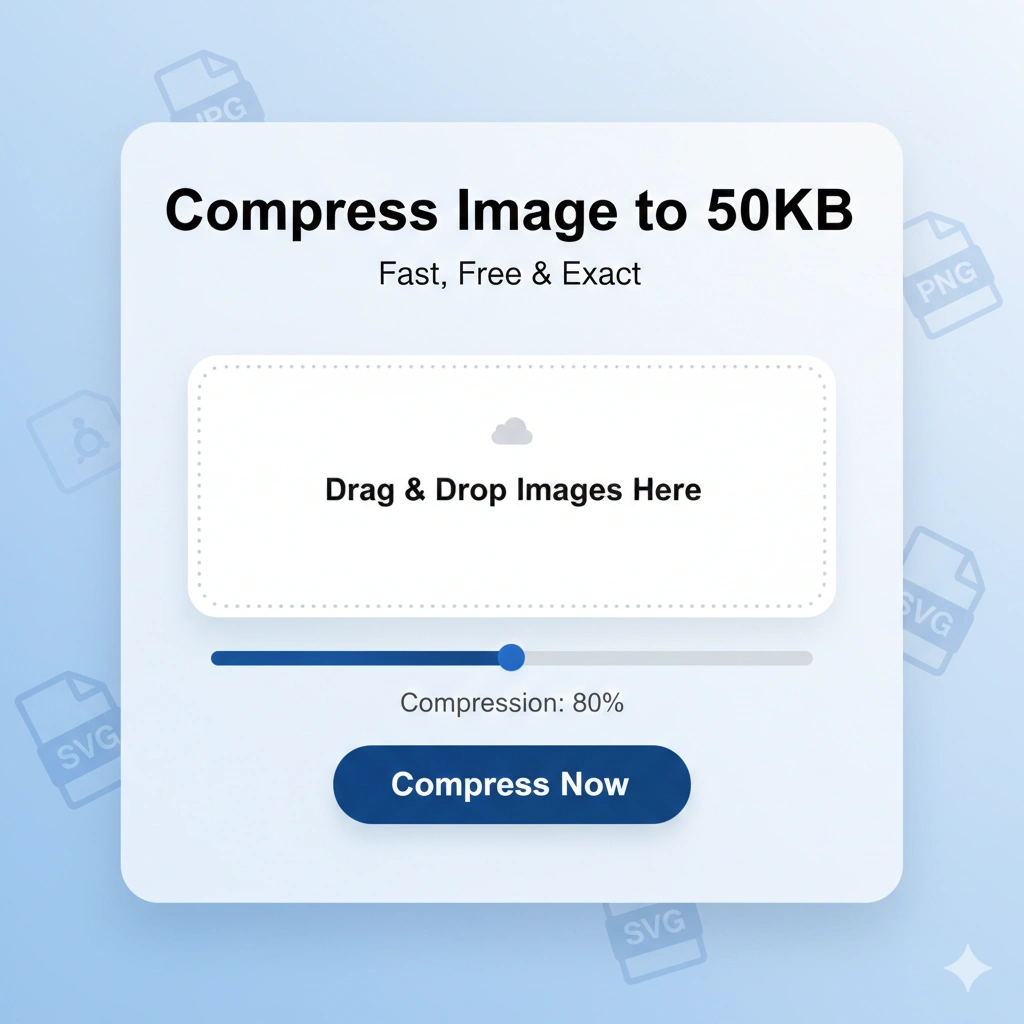
Compress Image to 50KB Online

Compress JPG, PNG, SVG or GIF to exact 50kb without losing the quality

📂 Drag & Drop your images here or

Supported Format - JPG, PNG, SVG or GIF To Compress To Exact 50kb JPG.

Manual Quality: 80%
Preview Area

How to Compress Image to 50KB Online With Image Compressor to 50kb:A Complete Guide

In today’s digital world, speed is everything. Whether you are applying for a government job, uploading a profile picture, or optimizing your website, you often encounter a strict file size limit—usually 50KB.

However, reducing a high-resolution photo to such a small size often results in “pixelation” or blurriness. Our Compress Image to 50KB Online uses smart compression algorithms to ensure your photos stay crisp while meeting the target size perfectly.

Why Do You Need to Compress Images to 50KB?

Most online portals (especially for competitive exams, passports, and visas) require documents in a specific range. Common reasons include:

  • Faster Loading Times: Websites with smaller images rank higher on Google.

  • Server Storage: Reducing file sizes saves precious cloud storage space.

  • Form Submissions: Many official portals automatically reject files over 50KB or 100KB.
Key Features of Our 50KB Image Compressor

Our tool isn’t just a simple resizer; it’s a dedicated optimization engine designed for ease of use.

  1. Smart Auto-Targeting: Unlike other tools where you have to guess the quality percentage, our tool automatically calculates the best parameters to hit the 50KB mark.

  2. Privacy First: All processing happens locally in your browser. Your private photos are never uploaded to our server, making it 100% secure.

  3. Multi-Format Support: Convert and compress JPG, PNG, WEBP, and even GIF files into optimized JPEGs.

  4. Instant Preview: See exactly how your image looks before you hit the download button.

How to Use the 50KB Compressor (Step-by-Step)

sing this tool is as easy as 1-2-3:

  1. Upload: Click the “Click to Select” button or drag your image into the dash-bordered box.

  2. Adjust (Optional): Use the manual slider if you want a specific quality level, or let the tool handle it automatically.

  3. Download: Click the gradient Compress & Download button. Your optimized image will be ready in seconds!

Image Compressor Tool: Compress image to 50KB Online

Pro Tips for Best Results

  • Start with a Clear Image: Compression works best when the original source isn’t already blurry.

  • Aspect Ratio: Our tool maintains your original width and height, so your image won’t look “stretched.”

  • Check Dimensions: If an image is 4000px wide, even the best compressor will struggle to hit 50KB without some loss. For best results, ensure your image dimensions are reasonable (e.g., 1024px wide).

Frequently Asked Questions (FAQs)

Q: Is it free to use? A: Yes! Our image compressor is 100% free with no hidden charges or watermarks.

Q: Will I lose quality when compressing to 50KB? A: While all compression involves some data loss, our tool uses a “Binary Search” algorithm to find the highest possible quality that fits within your 50KB limit.

Q: Does it work on mobile? A: Absolutely. Our tool is fully responsive and works perfectly on Android, iOS, and Tablets.

What's Next?

Now that your image is optimized, you might need other tools to finish your task. Check out our related tools below to resize, convert, or further compress your digital assets.