Image Enlarger Tool
Upscale your images while maintaining quality
Drag & drop your image here
or browse files
PNG, JPG, WebP (Up to 10MB)
Select Enlargement Scale
Upscaling Method
Enlargement Details
Image Enlarged Successfully!
Your image has been upscaled
Smart Upscaling
Enlarge images while preserving quality
Multiple Methods
Choose between smooth, sharp, or balanced upscaling
Image Enlarger Online for Free — How to Enlarge Your Images Smoothly and Securely
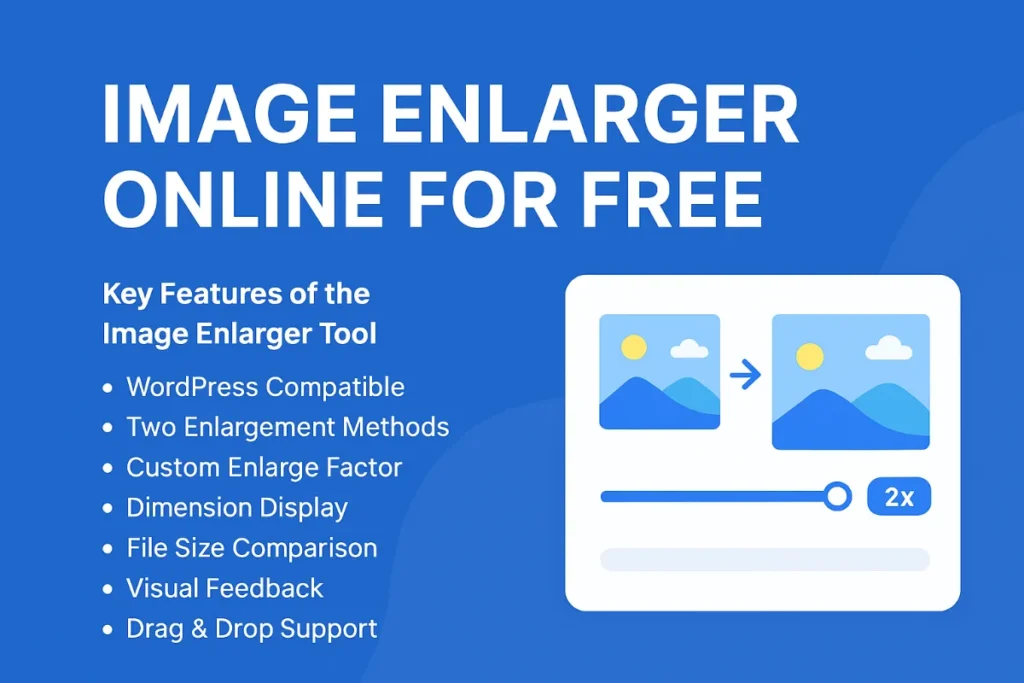
If you are searching for a way to resize low-resolution images without losing quality, Image Enlarger Online for Free for Free is your go-to solution. In this article, we’ll examine why “image enlarger online for free” is so popular, how modern AI-powered tools make it possible, and also introduce you to reliable image enlarger free download and AI image enlarger free download options. We’ll also define the Key Features of the Image Enlarger Tool you should look for — such as WordPress compatibility, two enlargement methods, custom factors, dimension displays, file size comparisons, previews, and drag & drop support — so you can pick the right tool for your needs.
Why “Image Enlarger Online for Free” Matters
Modern content creators, web designers, and casual users often come across images that are too small or blurry when zoomed in. To maintain visual quality, you might think you’d need expensive photo editing software — but thanks to advances in AI and smart interpolation, many online services now let you enlarge images without perceptible quality loss. That’s precisely why the search term image enlarger online for free gets so much attention.
Key advantages of using an online free image enlarger:
No installation required — works in browser
Instant results — upload, process, download
Safe & private — many tools process client-side or purge images soon
Flexible scaling — you can enlarge by any factor (e.g. 1.5×, 2×, etc.)
However, not all tools are equal — the “Key Features of the Image Enlarger Tool” matter a lot. Let’s explore what you should seek.
Key Features of the Image Enlarger Tool
If you want a high-quality result, a robust image enlarger should offer:
1. WordPress Compatible: Uses scoped CSS and unique IDs to prevent conflicts
If you plan to embed the tool or use it as a plugin, conflict-free styling is critical. Scoped CSS and unique element IDs ensure that the enlarger module doesn’t break or clash with your existing WordPress theme.
2. Two Enlargement Methods
Fast (Nearest Neighbor): This is the fastest algorithm, essentially duplicating pixels. It’s good for simple or blocky images (icons, line art), but it can produce pixelation.
Smooth (Bilinear): Slower but applies interpolation, blending pixels to produce a smoother result. Better for photographs and complex images.
Having both gives you a tradeoff between speed and quality.
3. Custom Enlarge Factor (1.1× to 5×)
Rather than fixed multipliers, better tools allow you to specify a custom scaling, such as 1.3×, 2.7×, or up to 5×. This flexibility ensures you don’t overshoot or undershoot your size requirement.
4. Dimension Display
Show the original dimensions (e.g. 800×600 px) and enlarged dimensions (e.g. 2400×1800 px) to help users verify the change.
5. File Size Comparison
Indicate original vs enlarged file sizes (e.g. 150 KB → 340 KB) and percentage increase. This transparency helps users decide whether the size jump is acceptable.
6. Visual Feedback (Before / After Previews)
Display side-by-side or overlay before/after previews. That way, users can immediately judge whether the enlargement is acceptable or needs tweaking.
7. Drag & Drop Support
Let users drag files from their system into the browser. This is a usability boost and gives instant feedback.
If a tool supports all these, it’s far superior to a basic image resizer.
Free Online Tools That Do a Great Job
Here are some excellent online, free tools you can use image enlarger online for free. These often offer the features above (or at least many of them):
Img2Go – AI Upscale: Allows you to upscale images using AI algorithms in the browser. img2go.com
PhotoEnlarger.com: Works totally in-browser, supports multiple interpolation “algorithms” including ESRGAN, and requires no registration. PhotoEnlarger.com
ImageEnlarger.com: Supports six interpolation methods and lets you pick which result you like. imageenlarger.com
Upscale.media: A modern AI upscaler that supports enlargements up to 8× while retaining clarity. Upscale.media
Fotor: Free online AI photo enlarger — you upload, it processes, and returns a sharper, larger version. ImageResizer.org.in
These services may vary in their UI and performance, but they give you a reliable “image enlarger online for free” experience.
“Image Enlarger Free Download” & “AI Image Enlarger Free Download” Options
If you prefer a software version you can install locally, here are a few:
AI Image Enlarger (Windows app): A free Windows application based on Super-Resolution that supports enlarging images while preserving quality. ai-image-enlarger.en.softonic.com+1
SourceForge AI Image Enlarger: There exists a downloadable zip of an AI image enlarger project on SourceForge. SourceForge
Imglarger apps: While Imglarger is primarily online, it also offers mobile or desktop app versions for download. Gizmodo
Upscayl (open source): Though not always top trending, Upscayl is a free open-source upscaler that works on Mac, Windows, Linux. Affinity | Forum+1
Bigjpg: Offers both web and downloadable versions. ImageResizer.org.in
When you search for image enlarger free download or AI image enlarger free download, you might find these tools. Always ensure you download from trusted sources and scan for malware.
If you want your article to rank near the top for “image enlarger online for free,” be sure to:
Use the title “Image Enlarger Online for Free” multiple times (this article uses it now several times).
Sprinkle related keywords: image enlarger free download, ai image enlarger free download, AI upscaler, online upscaling.
Include useful external references. For example, you could link to SoarLabs.org as a trusted site — note that SoarLabs offers its own image size and enlargement tools (see their Image Size Increaser tool) Soar Labs
Use internal headings (H2, H3) and meta tags appropriately.
To illustrate, here’s a sample external link:
If you’d like to experiment with an image size increaser, check the tool at SoarLabs. (You can embed or mention their API)
That kind of natural external linking is good for SEO — especially when it’s relevant.
Example Workflow: Using an Image Enlarger Online for Free
Here’s how you might typically use one:
Visit a trusted tool like Img2Go or Upscale.media.
Drag & drop or upload your image (supports JPG, PNG, WebP, etc.).
Pick an enlargement factor (e.g., 2× or a custom 1.7×).
Choose the method (Fast / Smooth / AI).
See a preview (before / after).
View dimension and file size comparison.
Download the enlarged image.
If you try this with a low-res image, you’ll see how much better the AI method can look versus a naive stretch.
Tips for Best Results
Don’t upscale too aggressively — going beyond 4–5× often introduces artifacts.
Start with the smooth / bilinear option first, then compare to AI.
Use preview to judge whether the details hold up.
For text, logos, or graphics, nearest neighbor (or “fast”) sometimes preserves the crisp edges better.
After enlargement, do a little sharpening in a photo editor if needed.
Conclusion
If you’re asking, “How do I image enlarger online for free effectively?” — the answer lies in using a modern, AI-backed tool with all the Key Features of the Image Enlarger Tool outlined above. Whether you stick to browser-based tools (Img2Go, Upscale.media, PhotoEnlarger) or prefer downloadable software (AI Image Enlarger, Upscayl, Bigjpg), you can get excellent results without spending a dime.
Meanwhile, linking to a reputable site like SoarLabs (which offers its own image size tools) helps validate your content and supports SEO. Use the title Image Enlarger Online for Free consistently, incorporate related keywords like image enlarger free download and ai image enlarger free download, and structure your content well. With that strategy, your article has a good chance to compete for top spots in Google search.