Resize Images Instantly — Fast, Free & Online
Quickly adjust image dimensions, compress files, and optimize photos without losing quality.
Image Resizer Online in KB – Resize Images Instantly
In today’s digital world, website speed and user experience play a major role in online success.
One of the most common reasons for slow websites is large, unoptimized images.
Whether you manage a blog, a WordPress website, or need to upload images to online forms,
image size matters. Image Resizer Online in KB Tool – Resize Image in KB Online Instantly
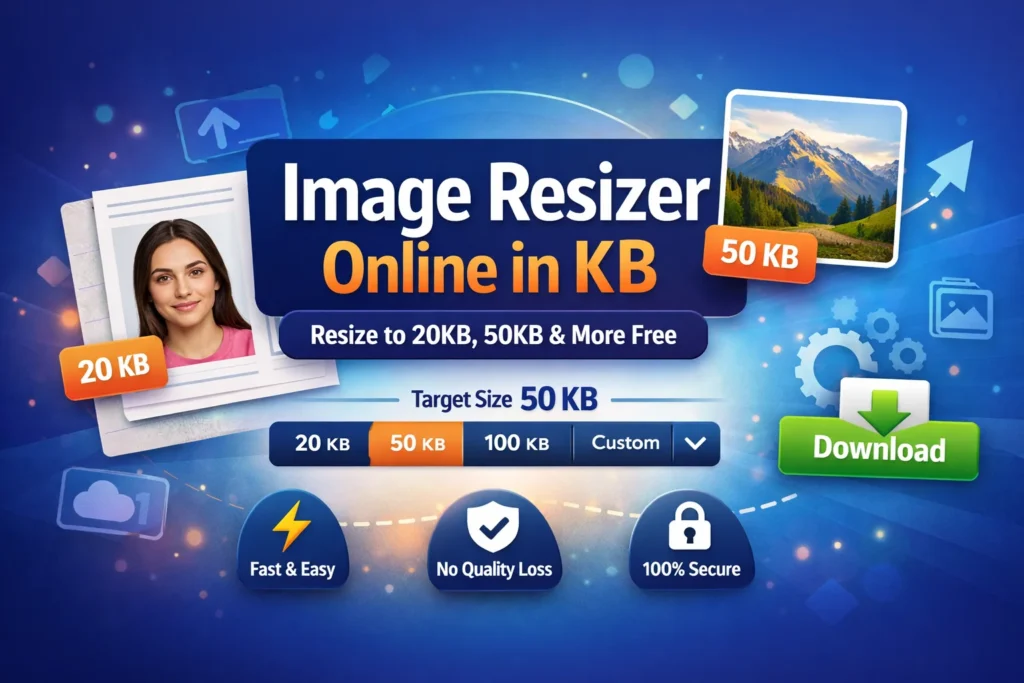
is a fast, secure, and browser-based Image Resizer Tool that allows users to resize images in KB online instantly.
You can compress images to 20KB, 50KB, or 100KB while maintaining excellent visual quality.
Why Image Size in KB Matters More Than Ever
In 2026, speed, performance, and compliance matter more than image resolution alone.
Here’s why resizing images by KB is essential:
Government and exam portals reject large files
Slow-loading images hurt website SEO
Mobile users need lightweight images
Email platforms limit attachment sizes
Forms require exact KB values (not “approximate”)
That’s why smart KB-based resizing is now a must-have tool.
What Is an Image Resizer Online in KB?
An image resizer online in KB is a browser-based tool that reduces an image to a specific file size—such as 20KB, 50KB, or any custom value—while keeping the image sharp and readable.
Unlike basic compressors, modern resizers use:
Intelligent compression algorithms
Automatic quality balancing
Next-gen image formats (AVIF, WebP)
Real-time preview & instant download
No uploads. No watermark. No data stored.
How to Use Image Resizer Online in KB Tool?
- Select image from your device
- Set target KB size (20KB / 50KB / 100KB)
- Adjust dimensions if needed
- Compress image instantly
- Download optimized image
Where You Can Use Image Resizer Online Tool
- Government and sarkari forms
- Aadhaar and PAN card uploads
- Passport size photos
- Job application forms
- College and exam portals
Smart Compression Without Quality Loss
Our algorithm reduces file size while maintaining sharpness and clarity.
You get the best balance between quality and compression.
- Compress image to 20KB online free
- Resize image below 50KB or 100KB
- Maintain sharpness and clarity
- Instant preview before download
Resize Image to 20KB Online (Perfect for Forms)
If you’re filling out:
Government forms
Passport applications
Exam registrations
Official document uploads
You often need an image under 20KB—and even 1KB extra can cause rejection.
Use this dedicated tool to get it right the first time:
Modern Image Format Support
- JPG / JPEG
- PNG
- WebP
- AVIF
WebP and AVIF formats are smaller, faster, and SEO-friendly.
SEO & Website Performance Benefits
- Faster page load speed
- Improved Core Web Vitals
- Better mobile performance
- Higher Google rankings
Compress Image to 50KB Without Losing Quality
50KB is one of the most common size limits across platforms.
Whether you’re uploading:
Profile photos
Website thumbnails
Resume images
Blog visuals
This tool gives you reliable, clean results:
Why Modern Image Resizers Are Better Than Old Tools
Today’s image resizers are built differently.
What makes them smarter:
✅ Exact KB targeting (not guesswork)
🔐 Images stay on your device
⚡ Ultra-fast processing
📱 Mobile-first design
🧠 Smart quality reduction
🖼️ AVIF & WebP support (smaller files, better quality)
This is why browser-based tools outperform traditional software.
Who Uses Image Resizers Online in KB?
- Bloggers and content creators
- SEO professionals
- Developers and designers
- Students and job seekers
- Anyone uploading online forms
Students & exam candidates
Government job applicants
Final Thoughts
An image resizer online in KB removes friction from your workflow.
No stress.
No rejections.
No quality loss.
Whether you need 20KB, 50KB, or a custom file size, modern online image resizers give you speed, precision, and peace of mind—all in one place.
Resize once. Upload confidently. 🚀