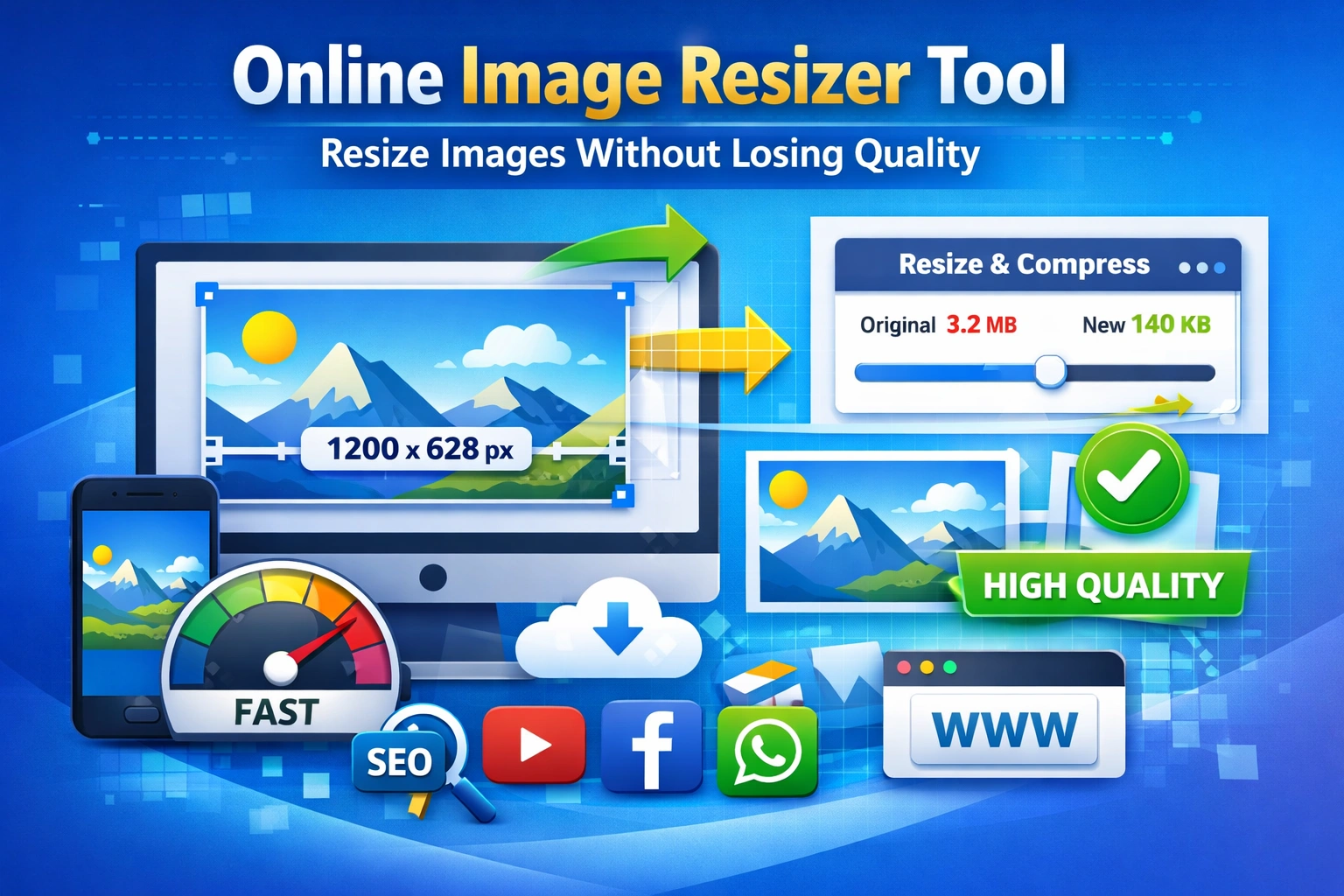
Online Image Resizer Tool: Resize Images Without Losing Quality (Complete Guide 2026)
Images aaj har website, blog aur social media ka sabse important hissa ban chuki hain. Lekin agar image ka size zyada ho, to website slow ho jati hai, SEO affect hota hai aur user experience bhi kharab hota hai. Isi problem ka solution hai ek online image resizer tool, jo bina quality lose kiye image resize aur compress karta hai.
Is article me hum detail me samjhenge:
- Image resize kyun zaroori hai
- SEO aur website speed par image ka effect
- Online image resizer kaise use kare
- Social media aur website ke liye best image size
- Kyun Imageresizer.org.in best option hai
Why Image Resizing Is Important for Websites & SEO
Bahut se log sirf image upload kar dete hain bina size optimize kiye. Ye ek common mistake hai.
Image resize na karne ke nuksaan:
- Website loading slow hoti hai
- Google ranking drop hoti hai
- Core Web Vitals fail hote hain
- Mobile users website chhod dete hain
Google clearly kehta hai ki page speed ek ranking factor hai, aur image size iska sabse bada reason hota hai.
How Image Size Affects Website Speed
Large images ka matlab:
- Zyada server load
- Zyada data download
- Slow page rendering
Agar aap apni images ko sahi dimension aur compression ke saath resize karte ho, to:
- Page fast load hota hai
- Bounce rate kam hota hai
- SEO improve hota hai
Isliye professional bloggers aur developers hamesha image resize tools ka use karte hain.
What Is an Online Image Resizer Tool?
Online image resizer ek web-based tool hota hai jisse:
- Image ka size kam ya zyada kiya ja sakta hai
- File size reduce hota hai
- Quality maintain rehti hai
- Software install karne ki zarurat nahi hoti
Bas browser open karo, image upload karo aur resize kar do.
Benefits of Using Online Image Resizer Tool
1. No Software Required
Aapko Photoshop ya kisi heavy software ki zarurat nahi hoti.
2. Time Saving
Seconds me image resize ho jati hai.
3. Beginner Friendly
Technical knowledge ki zarurat nahi.
4. Mobile Friendly
Mobile phone se bhi easily images resize kar sakte ho.
5. SEO Friendly Images
Optimized images Google ko pasand aati hain.
How to Resize Images Online Without Losing Quality
Agar aap quality loss se darte ho, to sahi tool use karna bahut important hai.
Step-by-Step Process:
- Imageresizer.org.in open kare
- Image upload kare
- Required width aur height select kare
- Compression level choose kare
- Resize button par click kare
- Optimized image download kare
Is process me image clear, sharp aur lightweight rehti hai.
Best Image Size for SEO and Blogging
Agar aap blogger ho, to ye sizes yaad rakhna zaroori hai:
Recommended Image Sizes:
- Blog featured image: 1200 × 628 px
- Blog content image: 800 × 450 px
- Thumbnail image: 400 × 225 px
File size ideally under 150 KB honi chahiye.
Image Resize for Social Media Platforms
Har social media platform ka apna image size hota hai. Galat size use karne se image blur ya crop ho jati hai.
Common Social Media Image Sizes:
- Instagram post: 1080 × 1080 px
- Instagram story: 1080 × 1920 px
- Facebook post: 1200 × 630 px
- YouTube thumbnail: 1280 × 720 px
- WhatsApp DP: 500 × 500 px
Online image resizer se aap easily in sab sizes me image convert kar sakte ho.
Image Resize for Mobile Users
India me zyada traffic mobile se aata hai. Isliye mobile optimization bahut important hai.
Mobile ke liye:
- Image lightweight honi chahiye
- Fast loading priority honi chahiye
- Clear visibility honi chahiye
Imageresizer.org.in mobile friendly hai, isliye phone se bhi easily images resize ho jati hain.
AI Image Resizing: Smart Way to Optimize Images
Modern image resize tools AI technology ka use karte hain jo:
- Automatically best size select karta hai
- Quality ko preserve karta hai
- Blurry images avoid karta hai
AI based image resizing beginners ke liye bhi perfect solution hai.
Why Choose Imageresizer.org.in?
Market me bahut saare image resize tools available hain, lekin Imageresizer.org.in kuch alag features ke saath aata hai.
Key Features:
- Free to use
- No signup required
- Fast processing
- High quality output
- Mobile & desktop friendly
- SEO optimized images
Ye tool bloggers, students, designers aur website owners sabke liye useful hai.
Image Resize for Government Forms & Online Applications
Bahut se government forms me image size limit hoti hai, jaise:
- Passport photo
- Exam forms
- Admit cards
- ID proof uploads
Online image resizer se aap image ko exact size aur KB limit me la sakte ho.
Common Image Resizing Mistakes to Avoid
1. Over-compression
Isse image blur ho jati hai.
2. Wrong Dimensions
Social media ya website ke liye galat size use karna.
3. Heavy File Upload
Direct camera image upload karna without resize.
4. Ignoring Mobile Optimization
Mobile users ke liye image optimize na karna.
SEO Tips for Optimized Images
Agar aap SEO chahte ho, to sirf resize karna enough nahi.
Follow These Tips:
- Image file name meaningful rakhe
- Alt text add kare
- Image size under control rakhe
- Lazy loading use kare
- High quality but lightweight image upload kare
Frequently Asked Questions (FAQs)
Q1. Can I resize images online for free?
Yes, online image resizer tools free me available hote hain aur easy to use hote hain.
Q2. Does resizing images reduce quality?
Agar sahi tool use kiya jaye to quality loss nahi hota.
Q3. What is the best image size for website SEO?
Featured images ke liye 1200 × 628 px aur file size under 150 KB best hota hai.
Q4. Can I resize images on mobile?
Yes, mobile browser se bhi images resize ho sakti hain.
Q5. Is online image resizing safe?
Trusted tools image ko store nahi karte, isliye safe hote hain.
Final Words
Aaj ke time me image optimization ignore karna ek badi SEO mistake hai. Chahe aap blogger ho, student ho ya business owner, online image resizer tool aapke kaam ko easy bana deta hai.
Agar aap fast, free aur quality-focused solution chahte ho, to Imageresizer.org.in ek reliable choice hai. Image resize karo, website speed improve karo aur Google ranking boost karo.