Online Image to PDF Converter
Click or Drop Images
Online Image to PDF Converter PRO – Free Online WordPress Tool
In today’s digital workflow, converting images into professional PDF documents is a daily requirement for students, designers, business owners, and website administrators. Online Image to PDF Converter PRO is a powerful, modern, and fully client-side WordPress plugin that allows users to convert multiple images into a single PDF file quickly and securely—without server uploads or performance overhead.
This plugin combines a clean user interface, responsive design, and advanced customization options to deliver a seamless image-to-PDF conversion experience directly inside WordPress.
What Is Online Image to PDF Converter PRO?
Online Image to PDF Converter PRO is a shortcode-based WordPress plugin that transforms images into high-quality PDF files using JavaScript and the jsPDF library. Since the entire conversion process runs on the client’s browser, no images are uploaded to the server, ensuring maximum privacy, speed, and reliability.
The plugin is ideal for websites that want to offer a fast and secure Online Image to PDF Converter without relying on third-party services.
You may like this
If you regularly handle digital documents, using the right conversion tools can make a big difference in speed and quality. Alongside our powerful Image to PDF Converter, you may also need to extract images from existing PDFs. Try our PDF to Image Converter Online , which lets you convert PDF pages into high-quality images instantly—right in your browser. Together, these tools offer a complete and efficient document conversion solution.
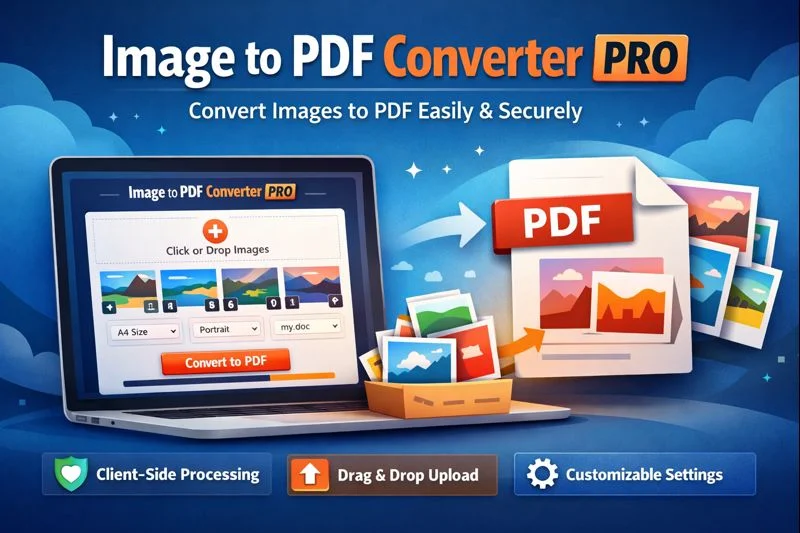
Key Features of Online Image to PDF Converter PRO
1. Client-Side Image to PDF Conversion
All image processing and PDF generation happens directly in the user’s browser. This means:
No server load
No image storage
Complete data privacy
This makes the plugin perfect for privacy-focused websites and high-traffic platforms.
2. Drag & Drop Image Upload
Users can easily upload images by clicking or dragging and dropping files into the upload area. The intuitive interface improves usability and reduces friction, especially for non-technical users.
3. Real-Time Image Preview & Reordering
Uploaded images appear instantly in a responsive preview grid. Users can:
Reorder images using up and down controls
Remove unwanted images before conversion
Preview how images will appear in the final PDF
This feature ensures complete control over the PDF layout.
4. Custom PDF Options
Image to PDF Converter PRO allows users to customize their PDF output with:
Page size (A4, Letter, or Auto)
Orientation (Portrait or Landscape)
Adjustable margins
Custom file name
These options make the plugin suitable for professional documents, reports, and printable files.
5. Dark Mode Support
The built-in dark mode toggle improves accessibility and enhances the user experience, especially for users working in low-light environments.
6. Responsive & Mobile-Friendly Design
The plugin is fully responsive and adapts seamlessly to mobile phones, tablets, and desktops. Whether users convert images on a laptop or smartphone, the interface remains smooth and intuitive.
7. Progress Indicator
A real-time progress bar visually displays the conversion status, giving users instant feedback during the PDF generation process.
Why Choose Online Image to PDF Converter PRO?
✔ No Server Dependency – Reduces hosting costs and improves performance
✔ Fast & Secure – Images never leave the user’s device
✔ Modern UI – Clean, professional, and user-friendly design
✔ SEO-Friendly Tool – Ideal for utility, SaaS, and file-conversion websites
✔ Easy Integration – Simple shortcode implementation
This makes Image to PDF Converter PRO one of the best WordPress image to PDF converter plugins available for client-side usage.
How the Plugin Works
User uploads one or more images
Images are previewed and reordered if needed
User selects PDF settings (size, orientation, margins)
jsPDF generates the PDF directly in the browser
The final PDF file is downloaded instantly
No page reloads, no external APIs, and no security risks.
Ideal Use Cases
Online image to PDF conversion tools
Document management websites
Educational portals and assignments
Business reports and scanned documents
Utility and SaaS-style WordPress websites
Final Thoughts
Online Image to PDF Converter PRO is a lightweight yet powerful WordPress plugin designed for speed, security, and usability. Its client-side architecture, modern design, and advanced customization options make it a perfect solution for anyone looking to offer a professional image-to-PDF conversion tool on their website.
If you’re searching for a fast, secure, and responsive Image to PDF Converter plugin for WordPress, this solution checks all the boxes.