300x300 Photo Pixel Resizer
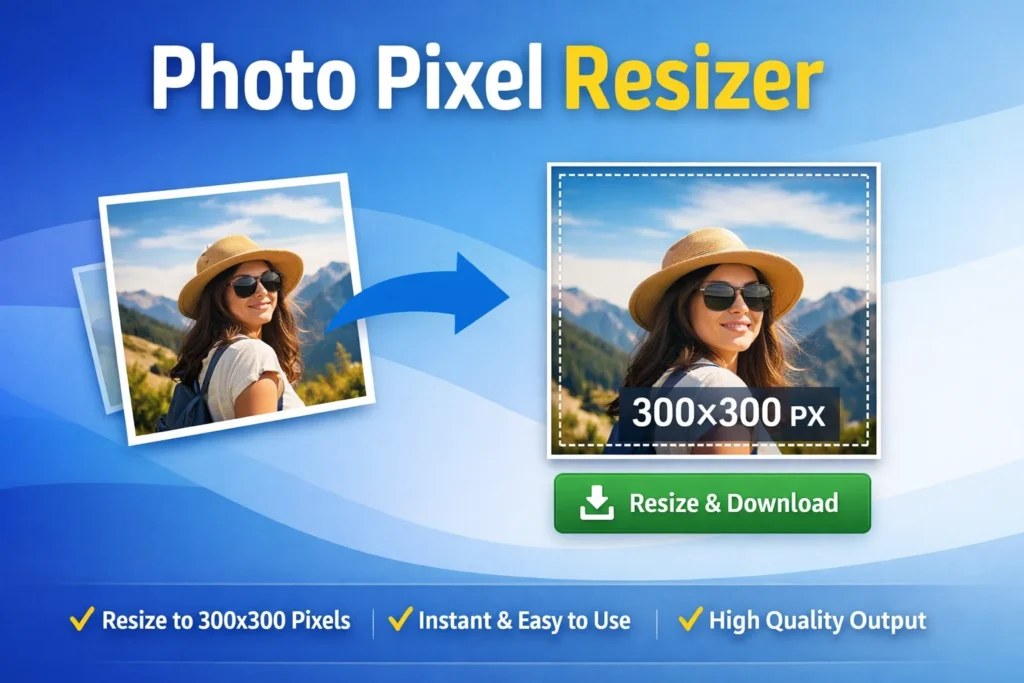
Resize your images to exact 300x300 pixels online.
📂 Drag & Drop Image here or
Photo Pixel Resizer – Resize Images to Exact 300x300 Pixels Online
A Photo Pixel Resizer is an essential online tool for anyone who needs perfectly sized images without compromising quality. Whether you are uploading a profile picture, creating thumbnails, or meeting platform-specific image requirements, resizing photos to the correct dimensions is critical.
This 300×300 Pixel Resizer (Flat UI) makes the process quick, accurate, and effortless—all directly in your browser.
What Is a Photo Pixel Resizer?
A Photo Pixel Resizer is an online utility that allows users to change image dimensions to precise pixel sizes. This particular tool is designed to resize images to exactly 300×300 pixels, ensuring a clean, square output that works perfectly for profile photos, website thumbnails, and application uploads.
Unlike traditional editing software, this resizer requires no installation, no registration, and no technical skills.
Related Tools You May Find Useful:
Key Features of the Photo Pixel Resizer Tool
✔ Exact 300×300 Pixel Dimensions
The tool guarantees pixel-perfect resizing, which is essential for platforms that reject images with incorrect dimensions.
✔ Smart Crop Without Distortion
It uses advanced object-fit cover logic to fill the 300×300 canvas while maintaining the original image proportions.
✔ Instant Preview & Download
Users can preview the resized image immediately and download it in high-quality JPEG format.
✔ Secure & Private
All image processing happens locally in your browser—your photos are never uploaded to a server.
✔ Clean Flat UI Design
The modern interface works smoothly on desktops, tablets, and mobile devices.
Why Use a 300x300 Photo Pixel Resizer?
The 300×300 pixel size is widely used across many platforms, including:
Profile pictures for websites and forums
Blog author images
Product thumbnails
Social media avatars
Official online forms
For document-specific image requirements, you may also find this PAN Card Photo Resizer Online helpful
How to Resize an Image Using Photo Pixel Resizer
Resizing your photo is simple and fast:
Drag and drop your image or click Select Image
Press Resize & Download Now
Get your perfectly resized 300×300 image instantly
No watermark, no quality loss, and no waiting time.
SEO & Performance Benefits of Proper Image Resizing
Using correctly sized images improves:
Website loading speed
User experience
Mobile performance
SEO rankings
If you need to resize images based on file size instead of dimensions, try this helpful external tool:
👉 Image Resizer Online in KB
Who Should Use This Photo Pixel Resizer?
Bloggers and content creators
Web developers and designers
Students and job applicants
Social media users
Anyone needing fast image resizing
Conclusion
The Photo Pixel Resizer is a powerful yet easy-to-use solution for resizing images to exact pixel dimensions. With its clean interface, precise output, and secure browser-based processing, it’s the perfect tool for anyone who needs professional-quality image resizing in seconds.
If accuracy, speed, and quality matter to you, this photo pixel resizer is the right choice.