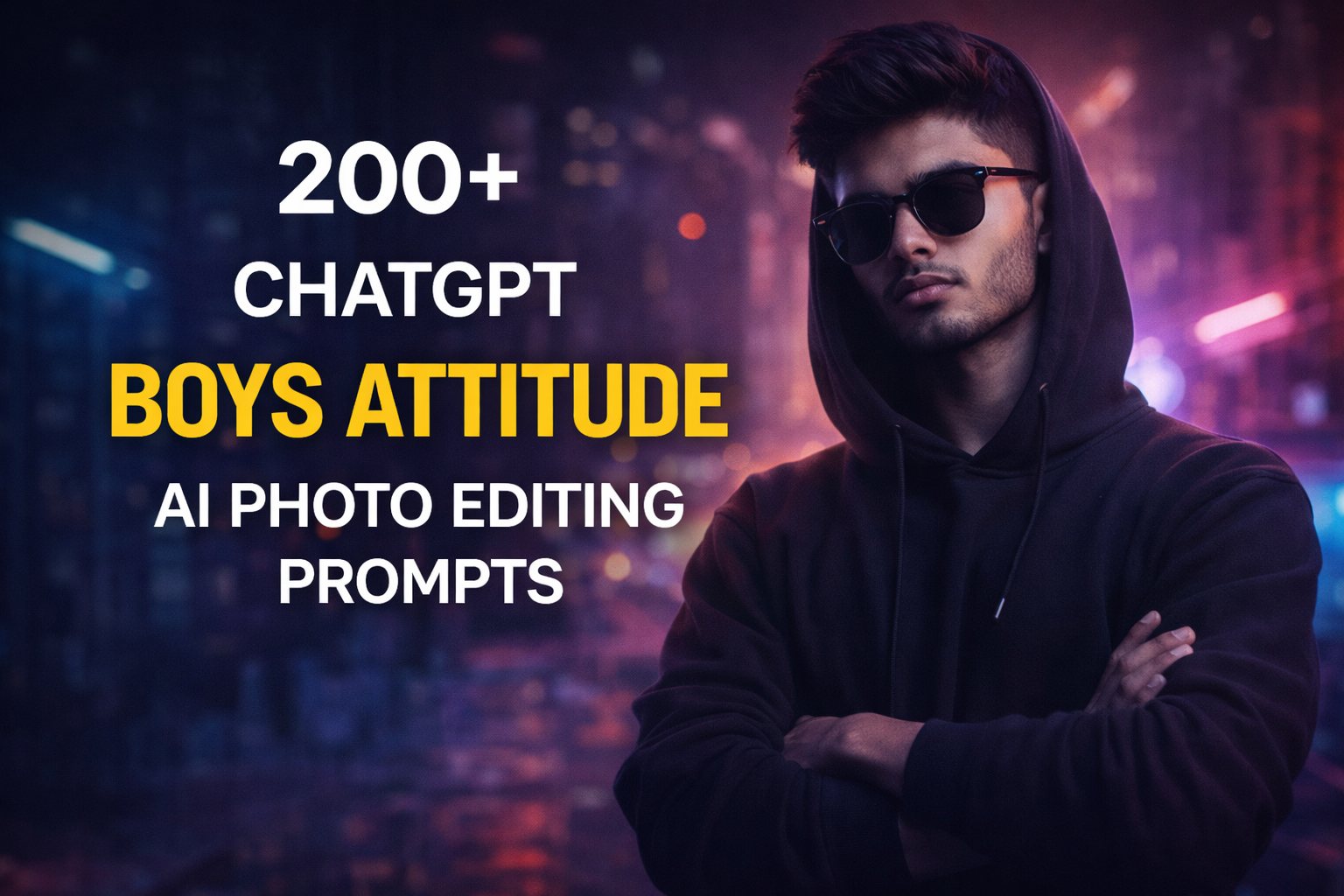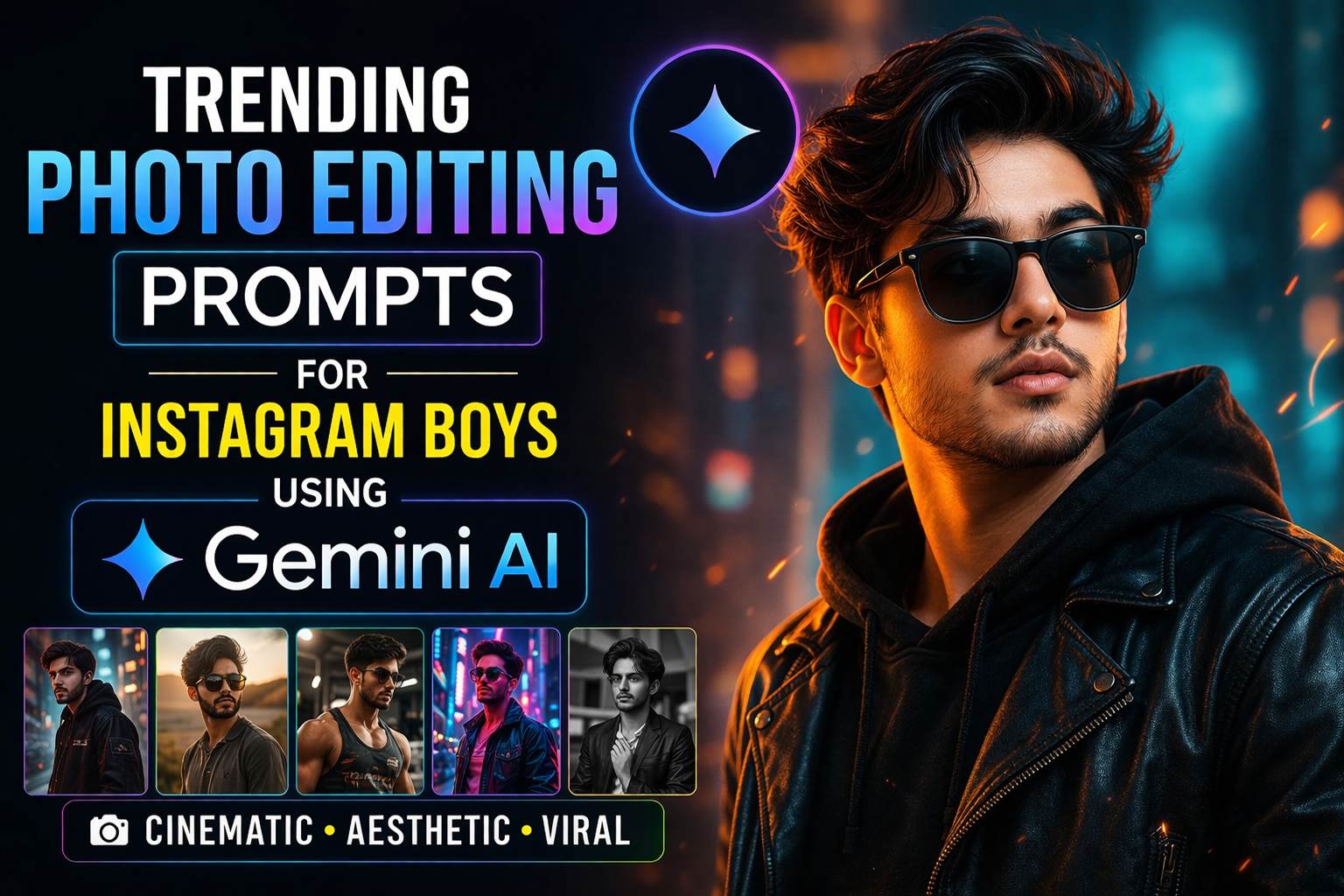
📸 Trending Photo Editing Prompts for Instagram Boys Using Gemini AI
In today’s social media world, your Instagram profile is your identity. Whether you’re building a personal brand or just want to stand out, photo editing plays a huge role. With the rise of AI tools like Gemini AI, creating stunning and professional-level images has become easier than ever.
This guide will walk you through trending AI photo editing prompts, styles, and tips that Instagram boys are using to go viral in 2026.
🔥 What is Gemini AI for Photo Editing?
Gemini AI is an advanced AI tool developed by Google that helps generate and edit images using text prompts.
Instead of manually editing photos in apps like Adobe Lightroom or Snapseed, you can simply describe your desired look, and AI does the rest.
👉 Example:
“Make this photo cinematic with orange and teal color grading, soft lighting, and blurred background”
🚀 Why Use AI Prompts for Instagram Photos?
Using AI prompts saves time and delivers professional results instantly.
Key Benefits:
- ⚡ Fast editing in seconds
- 🎨 Professional cinematic effects
- 📱 Perfect for Instagram aesthetics
- 🔥 Helps your posts go viral
- 💡 No editing skills required
🎯 Best Trending Photo Editing Prompts for Instagram Boys
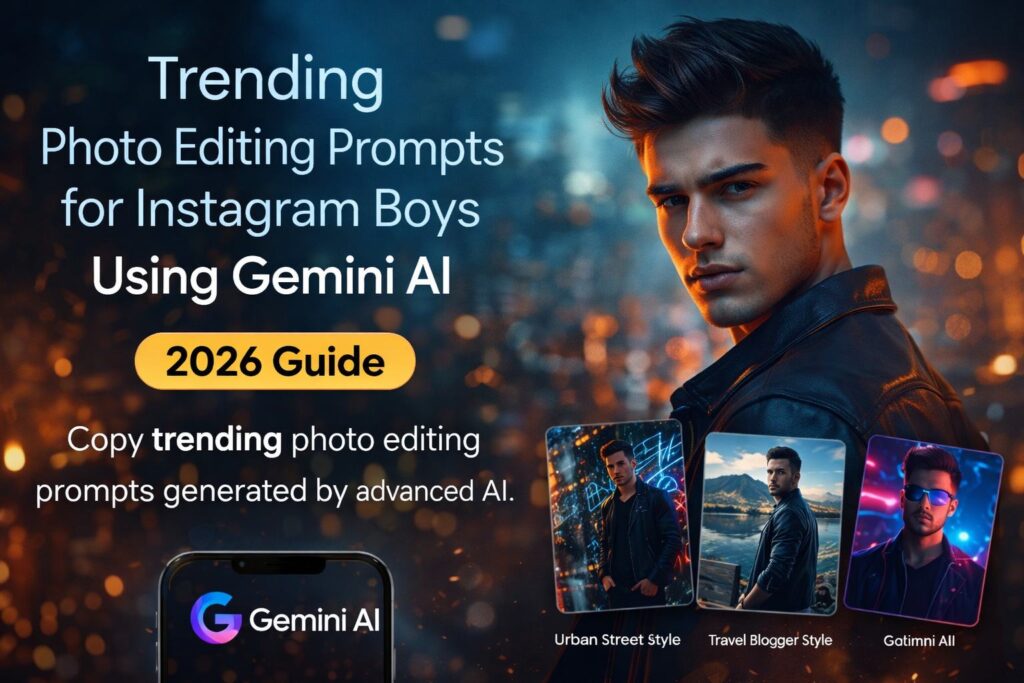
Below are copy-paste prompts you can use directly in Gemini AI.
1. Cinematic Look Prompt 🎬
Transform this image into a cinematic portrait with dramatic lighting, orange and teal color grading, sharp focus on subject, blurred background, high contrast, and film-style tone.
2. Attitude / Bad Boy Style 😎
Create a dark, moody portrait with deep shadows, high contrast, sharp jawline focus, black outfit enhancement, smoky background, and intense attitude vibe.
3. Aesthetic Soft Glow 🌈
Apply soft pastel tones with glowing skin effect, smooth lighting, light leaks, dreamy background, and Instagram aesthetic vibes.
4. Urban Street Style 🏙️
Enhance this image with urban street vibes, graffiti background, neon lights, high clarity, cinematic shadows, and stylish street fashion tone.
5. Royal Look 👑
Convert this photo into a royal portrait with golden tones, luxury background, rich contrast, elegant lighting, and premium look.
6. Gym / Fitness Look 💪
Enhance muscles with sharp lighting, increase body definition, add sweat glow, dark background, and fitness model look.
7. Travel Blogger Style ✈️
Make this photo vibrant with natural colors, enhanced sky, HDR effect, cinematic travel vibes, and Instagram influencer style.
8. Black & White Classic 🖤
Convert this image into high contrast black and white with sharp details, dramatic shadows, and vintage photography style.
9. Blur Background DSLR Effect 📷
Create DSLR-style depth of field with blurred background, sharp subject focus, natural lighting, and high resolution clarity.
10. Neon Cyberpunk Style 💡
Add neon lights, cyberpunk colors (pink and blue), futuristic background, glowing edges, and sci-fi aesthetic.
📈 SEO Tips to Make Your Instagram Photos Viral
Using prompts is not enough. You need proper strategy.
✅ 1. Use Trending Hashtags
Use relevant hashtags like:
- #InstagramBoys
- #PhotoEditing
- #AestheticLook
- #CinematicStyle
✅ 2. Maintain Consistent Theme
Stick to one style (dark, cinematic, aesthetic).
✅ 3. Upload High Quality Images
AI enhances quality, but base image should be good.
✅ 4. Use Editing Tools with AI
Combine Gemini AI with apps like:
- PicsArt
- Canva
🌐Resource for AI Editing
To explore more about AI editing tools, you can visit:
👉 https://deepmind.google/technologies/gemini/
This official page explains how Gemini AI works and its capabilities.
⚡ Pro Tips for Best Results
- 📸 Always use high-resolution photos
- 💡 Try different prompts for variation
- 🎯 Keep subject in focus
- 🌆 Use proper lighting
- 🧠 Experiment with creative ideas
🔮 Future of AI Photo Editing
AI editing is growing rapidly. Tools like Gemini AI will soon replace manual editing completely.
In the future, you will:
- Edit photos with voice commands
- Generate full photos from scratch
- Create reels using AI instantly
❓ FAQs (Frequently Asked Questions)
Q1: What is the best AI for photo editing?
Gemini AI is currently one of the best tools for generating and editing images using prompts.
Q2: Can beginners use AI prompts?
Yes, no editing skills are required.
Q3: Are AI-edited photos allowed on Instagram?
Yes, as long as they follow Instagram guidelines.
Q4: Which app is best with Gemini AI?
Apps like Canva and Adobe Lightroom work well.
Q5: How to make photos look professional?
Use cinematic prompts, good lighting, and high-quality images.
🏁 Conclusion
If you want to grow on Instagram in 2026, AI photo editing is a must. Using tools like Gemini AI, you can create stunning, viral-worthy photos in seconds.
Just copy the prompts, apply them, and watch your profile transform.