📸 GEMINI AI • INSTAGRAM EDITS
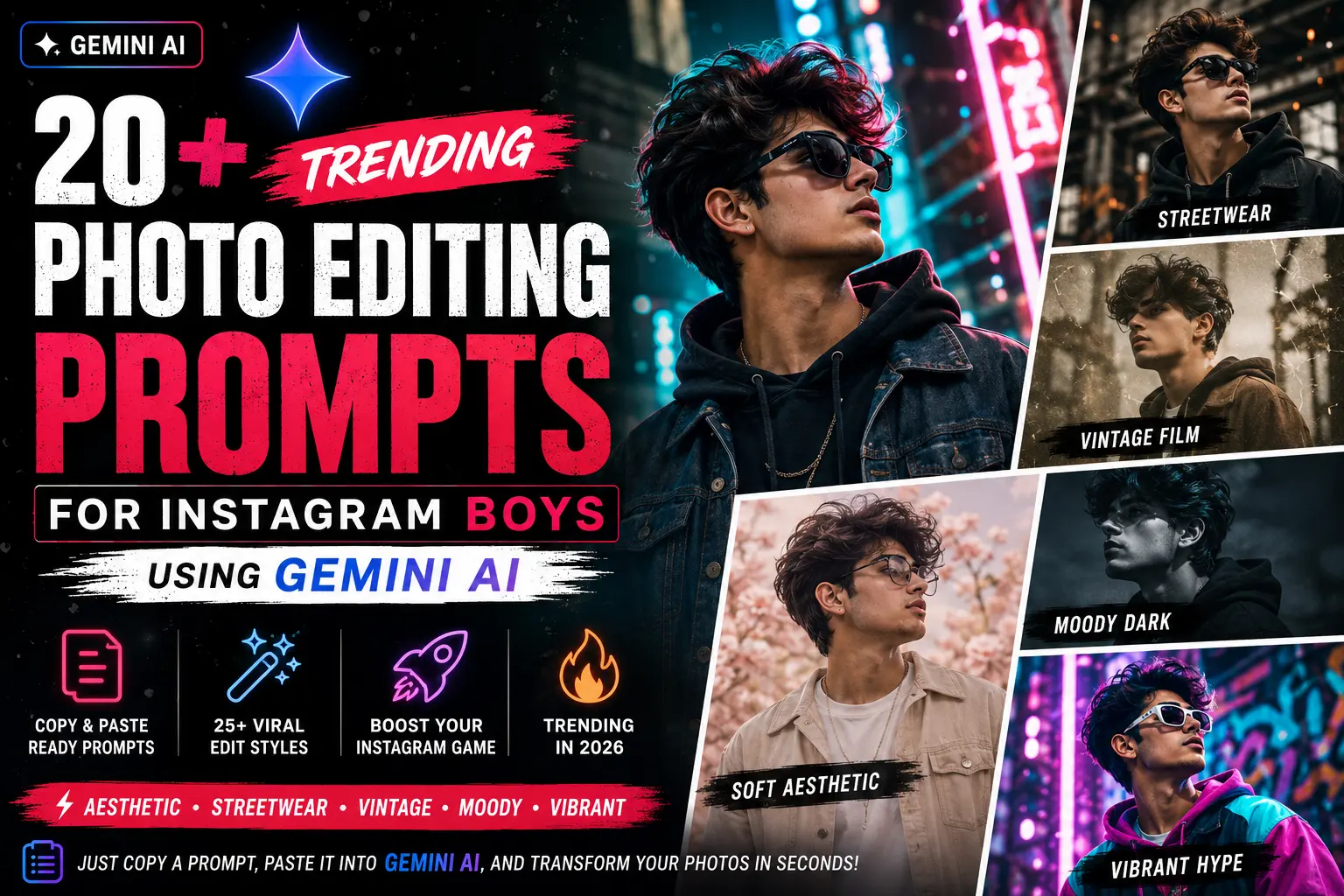
20+ Trending Photo Editing Prompts for Instagram Boys Using Gemini AI
Level up your Instagram feed with Gemini AI editing prompts designed specifically for boys & male creators. From soft aesthetic and vintage film to gritty streetwear and moody cinematic — just copy a prompt, paste it into Gemini, and transform your photos instantly. No complex tools required.
🧥 How to Use These Prompts for Instagram Edits
Each prompt is a ready-to-use instruction for Gemini. Simply copy and paste it (optionally attach your photo if using multimodal Gemini). You can also customize colors, intensity, or add specific elements like “add a neon sign” or “make skin glow”.
Prompt example: “Edit this photo with a soft aesthetic look: pastel pink and cream tones, reduce contrast, add a subtle grain, brighten shadows, and give a dreamy blur to the background.”
🌸 Soft Aesthetic Edits for Boys
Perfect for lifestyle, cozy, or romantic Instagram posts. These prompts create a dreamy, gentle atmosphere.
“Apply a soft milk tea filter: warm beige highlights, lifted blacks, desaturated greens, subtle skin smoothing, add a light haze overlay.”
🧥 Streetwear & Urban Edits
For sneaker shots, street style, and urban fashion. These prompts enhance contrast and add gritty textures.
“Create a gritty streetwear edit: boost clarity, add faded teal shadows, warm orange highlights, slight vignette, increase texture on clothes.”
Trending Editing Styles for Instagram Boys – 2026
These prompts are curated from current viral Instagram aesthetics used by male influencers, content creators, and photographers. They work with any photo: selfies, product shots, street photography, or portraits.
📋 Full Prompt Library
All prompts are ready to copy. Filter by category or search for specific keywords like “glow”, “monochrome”, “neon”, “retro”.
Frequently Asked Questions
More Resources for Instagram Creators
Start Editing Like a Pro
No more scrolling endlessly for inspiration. These 25+ editing prompts will give you consistent, high-quality aesthetics for your Instagram grid. Copy, paste, and see the transformation. Tag @yourpage with #GeminiEdits to get featured!